
The IP Paging Systems Increase reliability, safety and audio clarity
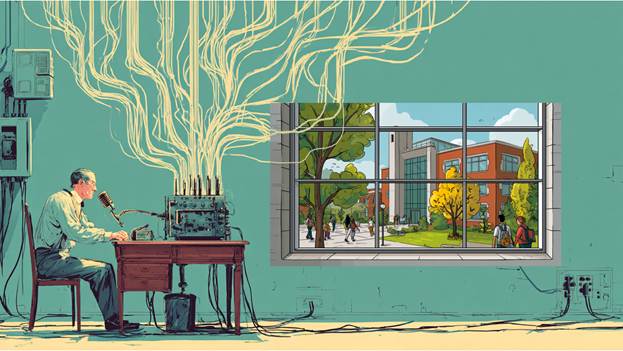
If your old paging system has stopped working, or worse, it’s working but no one can understand what’s being said, you’re not alone. Many older analog paging systems have reached the point where reliability and intelligibility are no longer acceptable. Distorted audio, uneven volume, and frequent failures are common signs that the system is no longer meeting the needs of your facility.
This article explains why upgrading your Paging System enhances safety, streamline communication, and future-proof your communication system.
In environments where clear communication is critical, such as schools, healthcare facilities, and industrial sites, this isn’t just an inconvenience; it’s a safety risk. When announcements can’t be heard or understood, important information is lost, response times are delayed, and confidence in the system quickly disappears.
At this point, repairing the old system may only provide a temporary fix. A more effective solution is upgrading to a modern digital IP paging system, one designed to deliver clear, reliable communication across your entire facility.
Why Move Beyond Analog Paging?
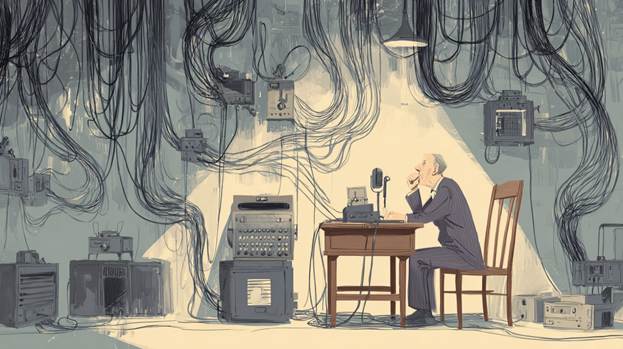
Analog paging systems were designed for a different era. They typically depend on centralized amplifiers, long runs of speaker wire, and fixed zones. While they can still function, they present several challenges:
- Limited scalability: Adding new speakers or zones often requires significant rewiring
- Audio degradation: Sound quality can decline over distance or due to interference
- Single point of failure: If a central amplifier fails, the entire system may go down
- Minimal integration: Difficult to connect with modern systems like IP cameras, access control, or emergency notification platforms
As a result, analog systems can become costly to maintain and restrictive when trying to meet modern safety and operational requirements.
What Is an IP Paging System?

A digital IP paging system uses your existing network infrastructure to transmit audio. Instead of centralized amplifiers and analog wiring, it relies on network-connected speakers and endpoints – often powered by Power over Ethernet (PoE).
Each speaker becomes an intelligent device on the network, capable of receiving targeted messages, scheduled announcements, or emergency alerts.
Key Benefits of Upgrading to IP Paging

The Digital Paging System Can Reach Multiple Buildings on Your Campus
Wherever there is a network, you can add a speaker. Power comes from the network, making the installation and expansion simple and easy to install.
Scalability and Flexibility
IP systems make expansion simple. Adding a new speaker is often as easy as connecting it to the network. No extensive rewiring or additional amplifiers are required.
Improved Audio Quality
Digital audio transmission ensures consistent, clear sound across all zones, regardless of distance.
Zoned and Targeted Paging
Send announcements to:
- Specific rooms or departments
- Entire buildings or campuses
- Outdoor or indoor areas
This level of control improves communication efficiency and reduces unnecessary noise.
Integration with Other Systems
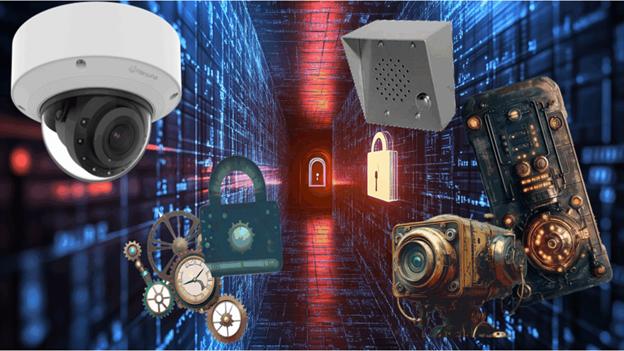
IP paging systems can integrate with:
- Intercoms that help you control visitor entry and keep in communication with specific rooms and areas.
- Access control (for lockdown or alerts)
- Video surveillance (event-triggered announcements). Read our article, Integration of IP Camera Systems with Audio.
- Fire alarm and emergency systems
- VoIP phone systems and intercoms
This creates a unified communication and security platform.
Enhanced Reliability
Distributed architecture means there is no single point of failure. If one device goes down, the rest of the system continues to operate. Each device can report on its health to the central management software.
Remote Management

System administrators can be controlled from a central management computer:
- Monitor system health
- Adjust volume levels
- Schedule announcements
- Push emergency messages
All control is from a central software interface, often accessible remotely, that can be managed from many management consoles.
How to Upgrade
Upgrading procedure includes understanding objectives and selecting the right speakers and sound levels so that everyone can hear broadcasts. Read our article, Buyers Guide to IP Paging Systemswhich discusses the technology used in IP paging, including the types of speakers, amplification requirements, and sound levels needed to meet paging goals.
Cost Considerations

While IP systems may have higher upfront equipment costs, installation costs less, and they often reduce long-term expenses by:
- Eliminating complex wiring
- Reducing maintenance
- Simplifying expansion
- Leveraging existing network infrastructure
The return on investment becomes clear when factoring in improved safety, efficiency, and scalability.
Use Cases Across Industries
Schools: Emergency notifications, lockdown announcements, class changes
Healthcare: Patient alerts, staff communication, code announcements
Industrial Facilities: Safety alerts, shift changes, production coordination
Commercial Buildings: General announcements, background music, emergency messaging
Conclusion
Upgrading from an analog to a digital IP paging system transforms communication from a problematic utility into a powerful, integrated tool. It improves clarity, expands capabilities, and aligns your infrastructure with modern security and operational needs.
For organizations looking to enhance safety, streamline communication, and future-proof their systems, an IP paging upgrade is a smart and strategic investment. Upgrading to a digital IP paging system is not just a technology refresh; it’s a strategic improvement in reliability, flexibility, and overall communication effectiveness.
Please get in touch with us if you want help upgrading you paging system to the latest technology. We can be reached at 914-944-3425, email us at dennis@kintronics.com, or use our contact form.