Comparison of The Topography of Access Control Systems
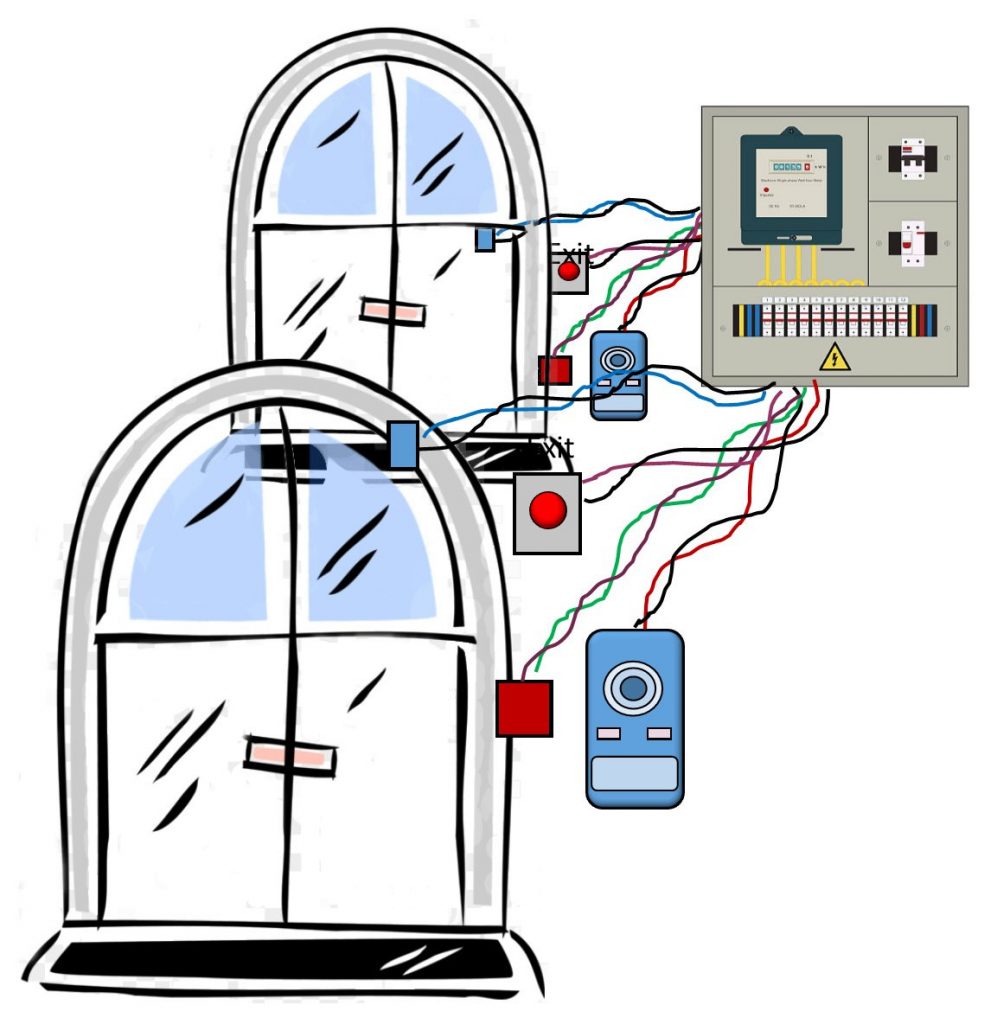
Access control systems used to be very complicated and difficult to wire. The early access systems used a central control box that connected to all the doors. The wiring was complex and expensive to install.
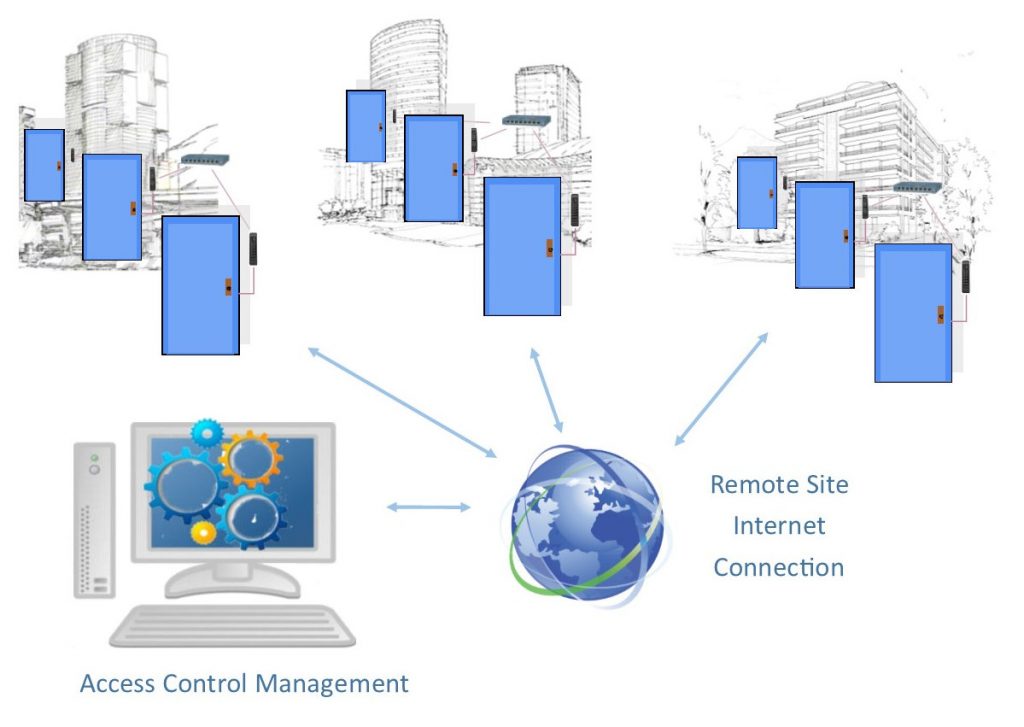
The latest access control solutions bring all the control functions to the door. This makes it easier to install, and simpler to expand. There are several systems that connect to the network but have different wiring schemes.
We compared the different access control systems and the benefits and disadvantages of each system configuration.
This article compares four types of door control systems. They all use access control management software that runs on your Windows computer. We provided the pros and cons of the different wiring topographies.
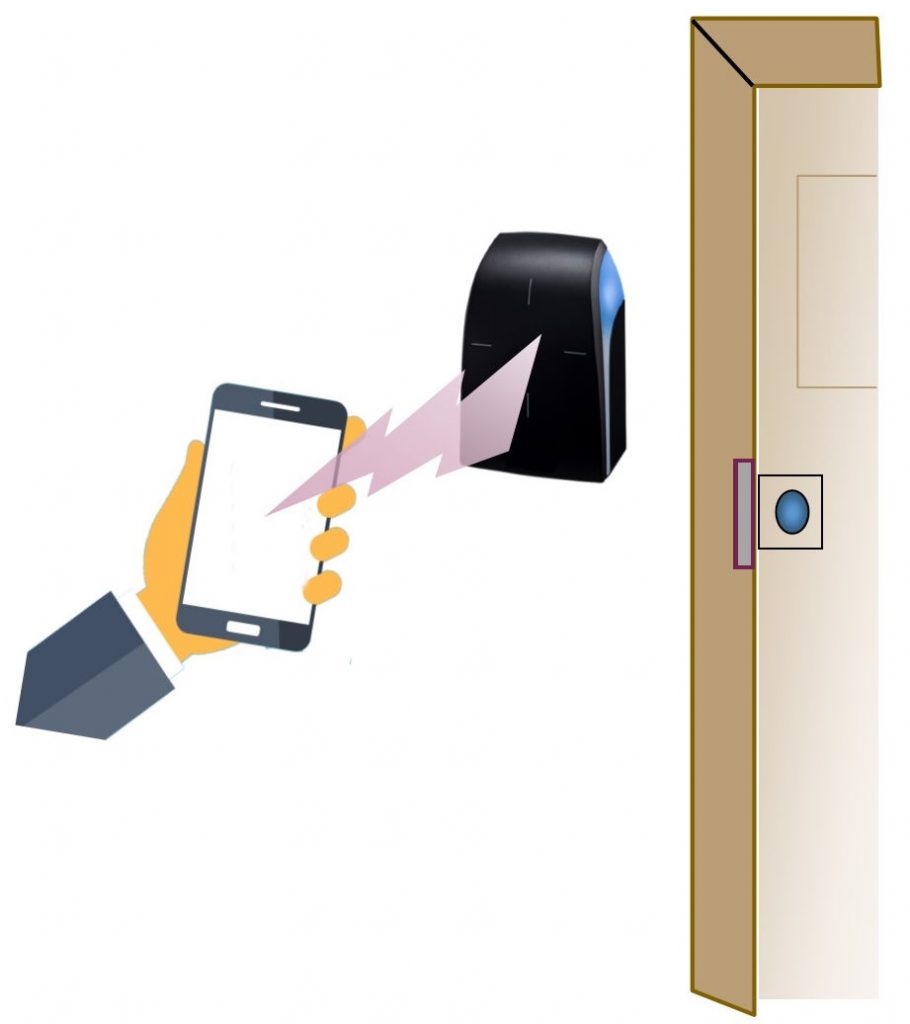
Have we reached the tipping point? Will our smartphones become our new door key? It all depends on the number of smartphones in the population. One survey indicates that 81% of the US population owns a smartphone. As the percentage increases, there will be enough smartphones to enable the use of mobile keys. It is quite likely that this will happen in the near future.
If everyone in your organization, apartment complex or school has a smartphone, you have reached the tipping point. You can use your smartphone as a mobile credential to open your doors.
Many smartphones use biometrics to unlock the phone. This security feature can make them more secure than carrying a card credential. This article describes how mobile credentials work in access control systems.
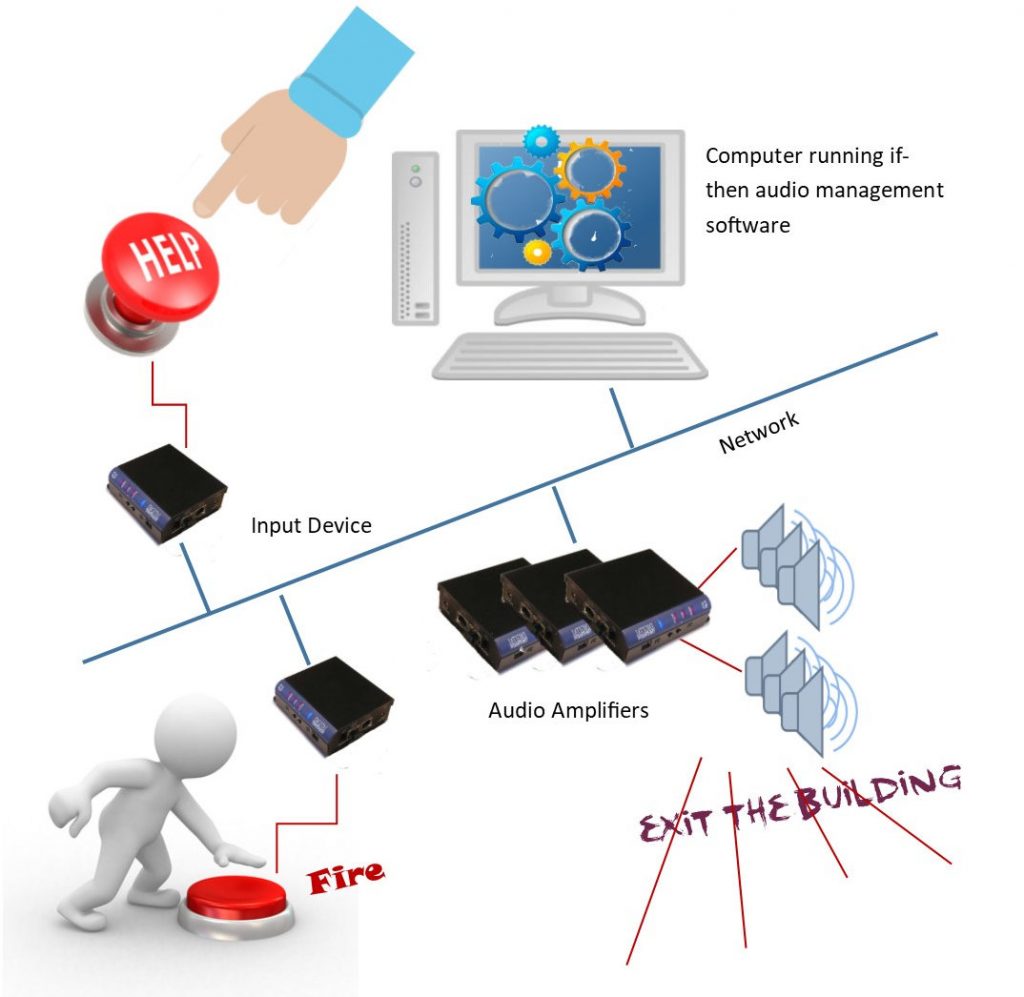
Network attached paging systems are replacing the older analog paging systems. They are not only easier to install; they provide increased functionality. One of the most helpful features of this system is its ability to make automated announcements. You can push a button and make a pre-recorded page, or automatically notify everyone about a weather emergency received from the national weather service. The automation feature can even convert text messages to audio announcements.
Digital Acoustics was the first company to provide IP paging systems. Their PA over IP product was introduced in 2004 and included small audio amplifiers that were attached to the network. Today there are a number of companies that provide IP type paging systems, but Digital Acoustics continues to provide the most flexible and economic systems. Here’s how to use automated Paging.
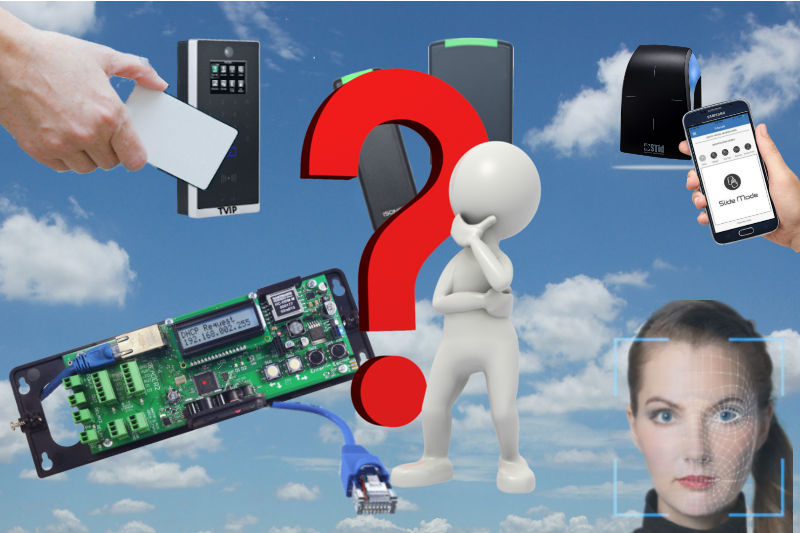
The first IP door access control system was introduced by Isonas around the year 2000. This was revolutionary at the time because each door reader included the intelligence that was typically provided by a control box. It took many years for this new technology to be accepted by the access control industry. Most security dealers were used to the centralized controller boxes with Wiegand readers at each door. Today IP door access systems are replacing the older centralized systems. This article provides a summary of the IP network attached door access control systems with the pros and cons of each type of system.
Comparison of Professional IP Camera Systems and Home Camera Systems, What’s the difference?
If you do a search for IP camera systems, you may see low-cost IP cameras advertised by Amazon, Costco, BestBuy, and other consumer sellers. You can find IP cameras starting at under $40, but are these IP cameras right for your business, school, hospital, government organization, or commercial organization?
The answer is no.
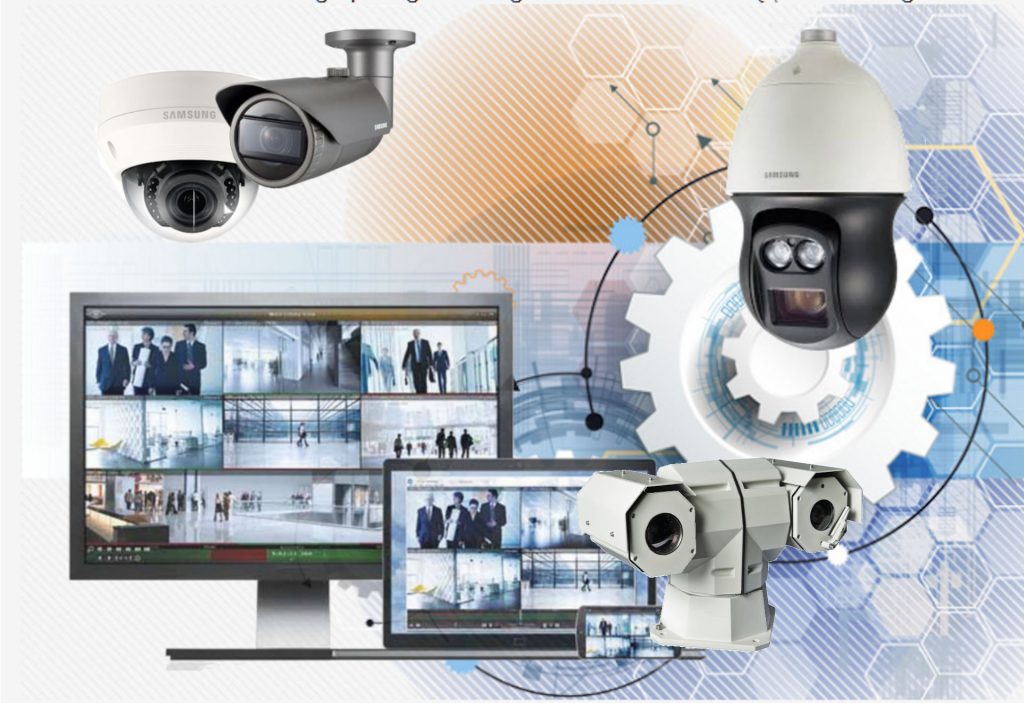
They are not designed for professional applications. One of the most important things to understand is that commercial IP camera systems are “systems.” The professional IP camera system consists of an IP camera, video recording system, and infrastructure that includes the network, video management software, and display system. The consumer surveillance camera is primarily only a “camera.” The following article compares the difference between consumer type IP camera systems and commercial type IP camera systems.
Door access control systems provide security for business, school, government organizations. Access control has become more important as the need for improved safety has increased.
How does door access control work, what is the most secure access control system, and why do I need door access control management software are some of the questions and answers provided.
The following list of frequently asked questions is provided to help you learn more about the technology.
How the Door Reader, credential and access control software work
Door access control has become a very important part of our security structure. The door readers control the electric lock and determine who enters the building.
The access control readers use credentials which can be cards that fit in your wallet, or thick lanyard cards with holes that can be worn around your neck, or keyfobs that attach to your keyring. The latest door readers can also use your smartphone to open the door. The most secure credentials are your biometric attribute. Your face or fingerprint provides accurate identification of you rather than the credential you carry.
This article describes how door access control systems work.
Network attached security devices can provide walls of defense that increase safety in apartment buildings. Security can be provided by a number of different IP technologies such as door access control, IP camera systems, and IP intercoms and paging systems. Much like the walls of a castle, they provide increased safety and security.
Here is a summary of the lines of defense established by security technology:
The latest mobile panic buttons are designed for business, education, healthcare, hotels, and other organizations. The mobile panic button provides advanced capability and operates through cell phone services so are not tethered to one location. They can be used anywhere there is a phone connection.
Panic-Buttons-in-the-City
The new panic buttons have key features designed for business applications. The features include GPS locating, monitored travel, two-way conversations, silent monitoring of audio, operate anywhere, and include a flexible safety center. The safety response center can be any place you choose. It is not tied to any specific service. You can establish a response center in your corporation, at the hospital, in your school, or hotel. Historically, panic buttons were used for medical emergencies in the home. These panic button systems were generally tied to a specific emergency answering service that helped to verify and provide emergency response. Here’s how the new mobile panic buttons are used in business, schools and commercial organizations.