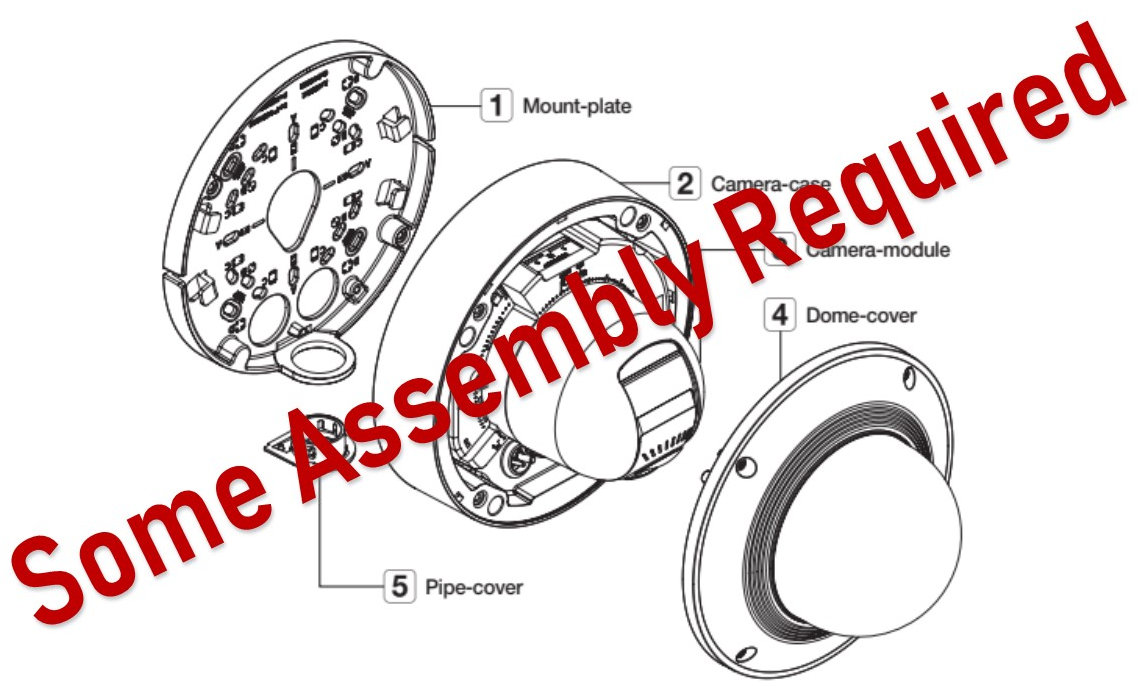
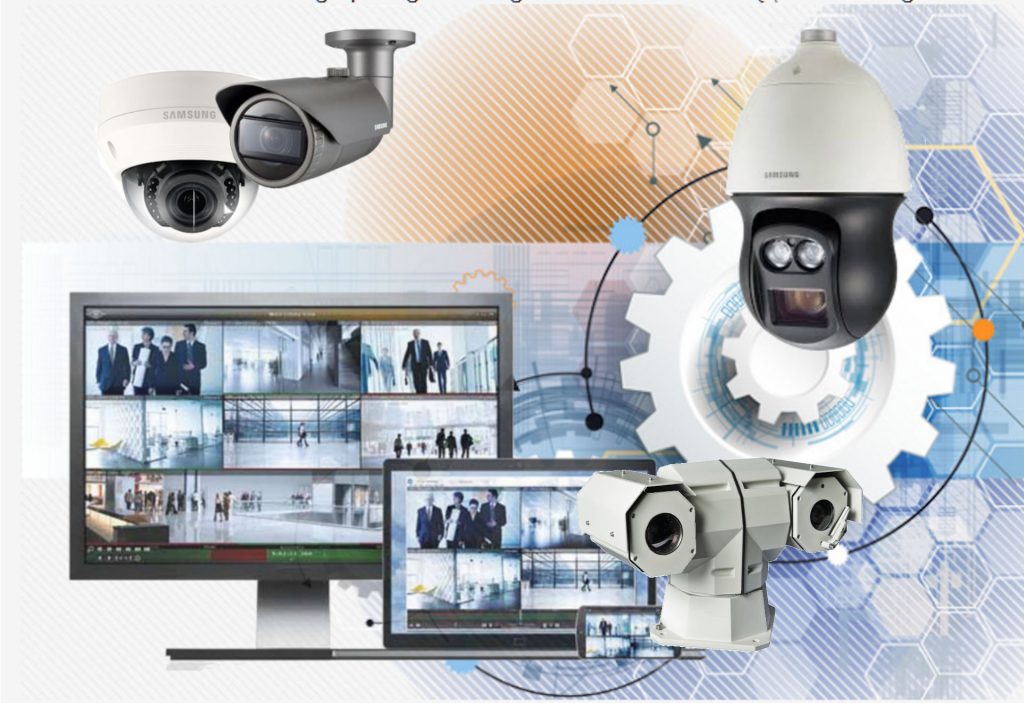
Wouldn’t it be nice if it was easier to install IP cameras? After all, installation is a big part of the expense of an IP camera system. Some manufacturers provide IP cameras that are designed for easy installation. They thought about everything from how the cameras are placed in the box to the software tools that help with the final installation process. The installation time makes a big difference in the total cost of an IP camera system installation.
This article reviews the things that are part of an IP Camera system installation. We review the packaging, remote setup capability, and software management tools that reduce the time to install your IP camera system.
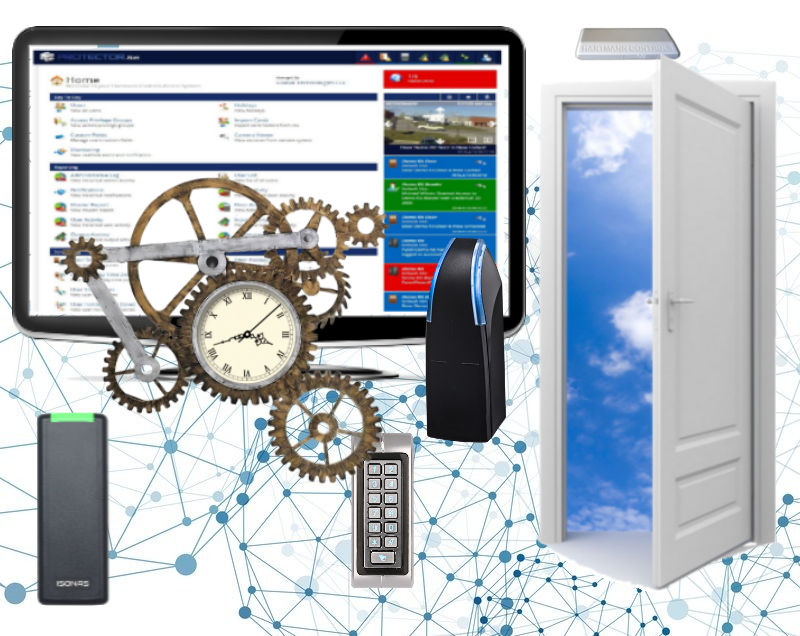
What is the Best Access Control Management Software
Door access management software is an essential part of your access control system. It allows you to manage the door readers in your organization, enter credentials for each person, and manage all the people who will use the doors.
Most of the access management software available provides simple door reader management. You can control who, when, and where people can enter. What else do you need? It depends on your requirements.
Additional features will allow you to determine who is in the building, manage the system using your mobile device, lockdown the building in an emergency, and many other features. Here is a review of some of the things you may want to consider when you select your door access control system.
Comparison of The Topography of Access Control Systems
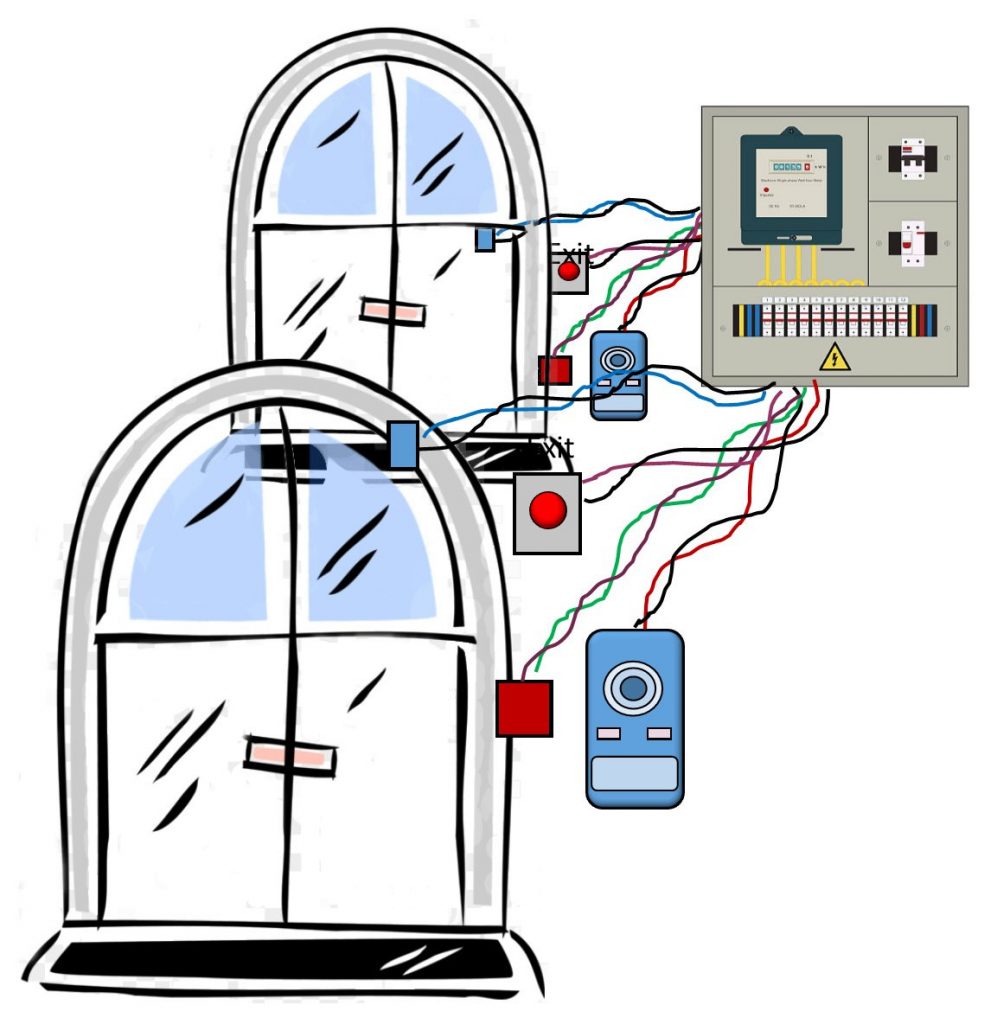
Access control systems used to be very complicated and difficult to wire. The early access systems used a central control box that connected to all the doors. The wiring was complex and expensive to install.
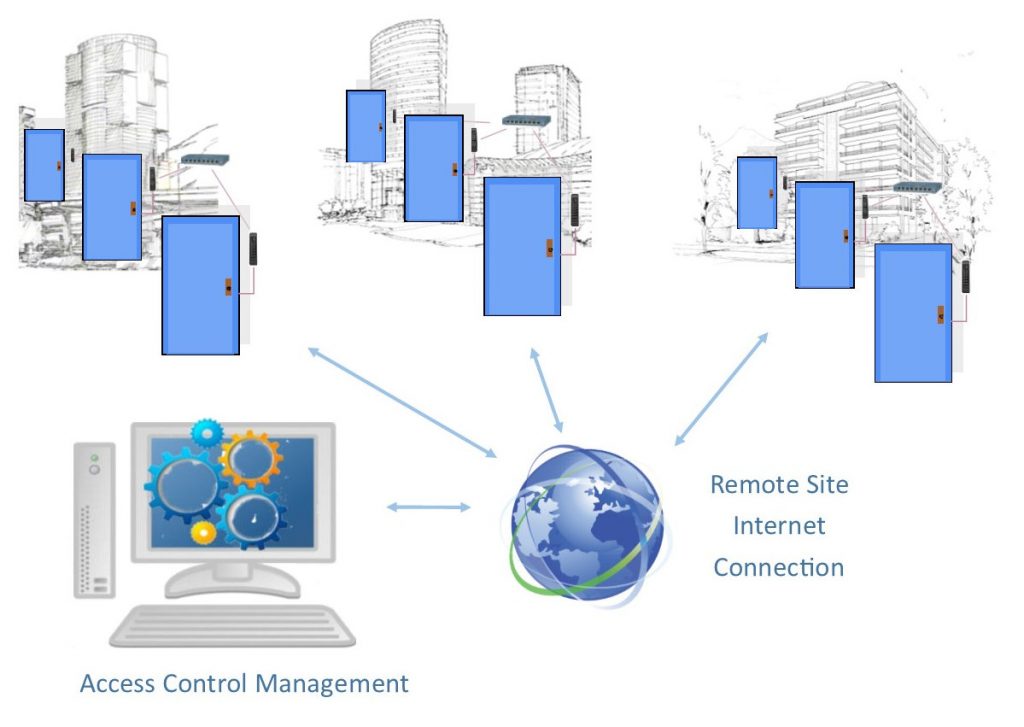
The latest access control solutions bring all the control functions to the door. This makes it easier to install, and simpler to expand. There are several systems that connect to the network but have different wiring schemes.
We compared the different access control systems and the benefits and disadvantages of each system configuration.
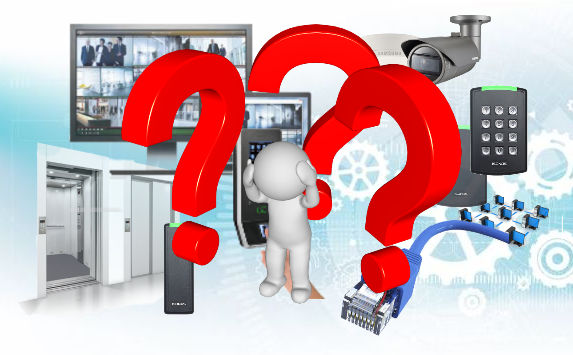
This article compares four types of door control systems. They all use access control management software that runs on your Windows computer. We provided the pros and cons of the different wiring topographies.
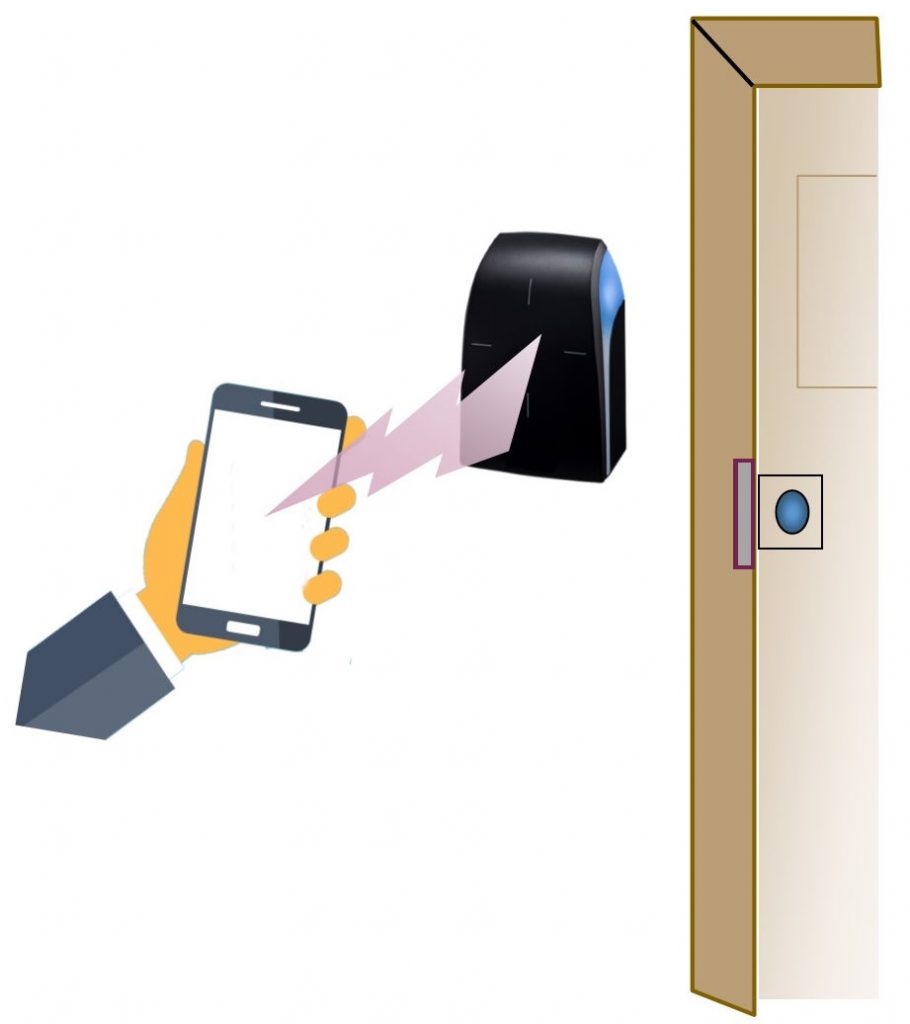
Have we reached the tipping point? Will our smartphones become our new door key? It all depends on the number of smartphones in the population. One survey indicates that 81% of the US population owns a smartphone. As the percentage increases, there will be enough smartphones to enable the use of mobile keys. It is quite likely that this will happen in the near future.
If everyone in your organization, apartment complex or school has a smartphone, you have reached the tipping point. You can use your smartphone as a mobile credential to open your doors.
Many smartphones use biometrics to unlock the phone. This security feature can make them more secure than carrying a card credential. This article describes how mobile credentials work in access control systems.
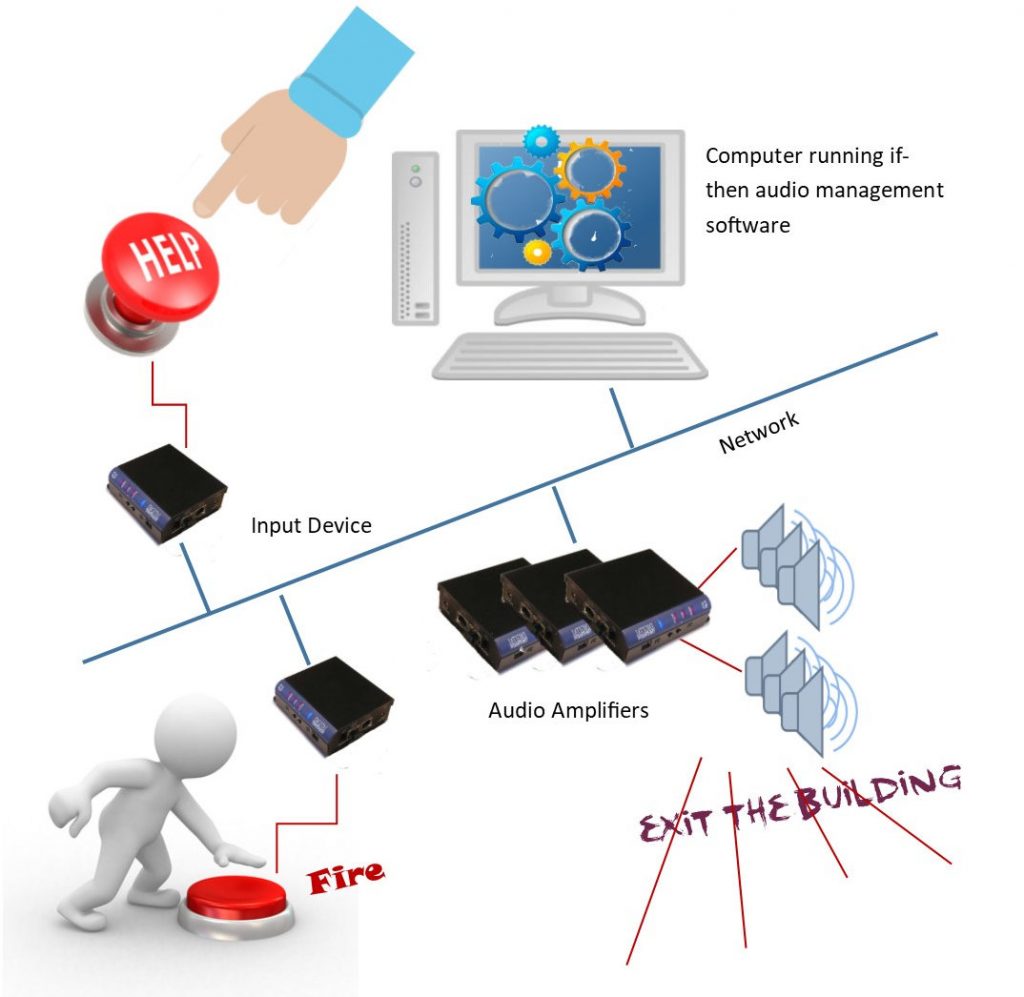
Network attached paging systems are replacing the older analog paging systems. They are not only easier to install; they provide increased functionality. One of the most helpful features of this system is its ability to make automated announcements. You can push a button and make a pre-recorded page, or automatically notify everyone about a weather emergency received from the national weather service. The automation feature can even convert text messages to audio announcements.
Digital Acoustics was the first company to provide IP paging systems. Their PA over IP product was introduced in 2004 and included small audio amplifiers that were attached to the network. Today there are a number of companies that provide IP type paging systems, but Digital Acoustics continues to provide the most flexible and economic systems. Here’s how to use automated Paging.
The first IP door access control system was introduced by Isonas around the year 2000. This was revolutionary at the time because each door reader included the intelligence that was typically provided by a control box. It took many years for this new technology to be accepted by the access control industry. Most security dealers were used to the centralized controller boxes with Wiegand readers at each door. Today IP door access systems are replacing the older centralized systems. This article provides a summary of the IP network attached door access control systems with the pros and cons of each type of system.
Comparison of Professional IP Camera Systems and Home Camera Systems, What’s the difference?
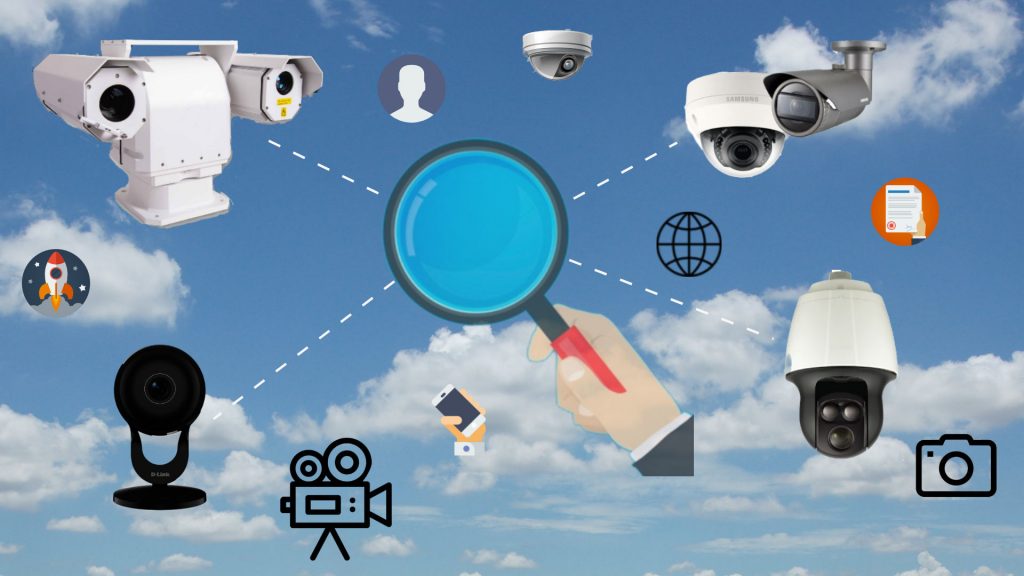
If you do a search for IP camera systems, you may see low-cost IP cameras advertised by Amazon, Costco, BestBuy, and other consumer sellers. You can find IP cameras starting at under $40, but are these IP cameras right for your business, school, hospital, government organization, or commercial organization?
The answer is no.
They are not designed for professional applications. One of the most important things to understand is that commercial IP camera systems are “systems.” The professional IP camera system consists of an IP camera, video recording system, and infrastructure that includes the network, video management software, and display system. The consumer surveillance camera is primarily only a “camera.” The following article compares the difference between consumer type IP camera systems and commercial type IP camera systems.
Door access control systems provide security for business, school, government organizations. Access control has become more important as the need for improved safety has increased.
How does door access control work, what is the most secure access control system, and why do I need door access control management software are some of the questions and answers provided.
The following list of frequently asked questions is provided to help you learn more about the technology.
How the Door Reader, credential and access control software work
Door access control has become a very important part of our security structure. The door readers control the electric lock and determine who enters the building.
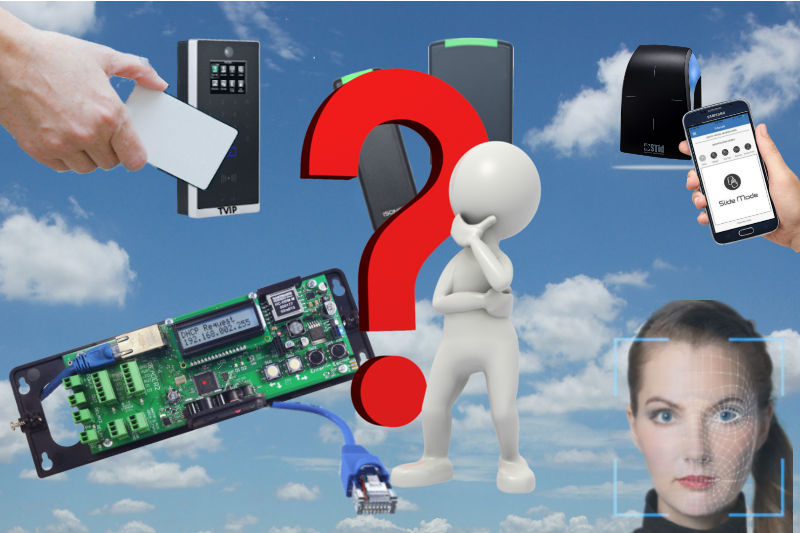
The access control readers use credentials which can be cards that fit in your wallet, or thick lanyard cards with holes that can be worn around your neck, or keyfobs that attach to your keyring. The latest door readers can also use your smartphone to open the door. The most secure credentials are your biometric attribute. Your face or fingerprint provides accurate identification of you rather than the credential you carry.
This article describes how door access control systems work.