Category: About Technology

What is an Explosion Proof Camera?

explosion proof IP camera

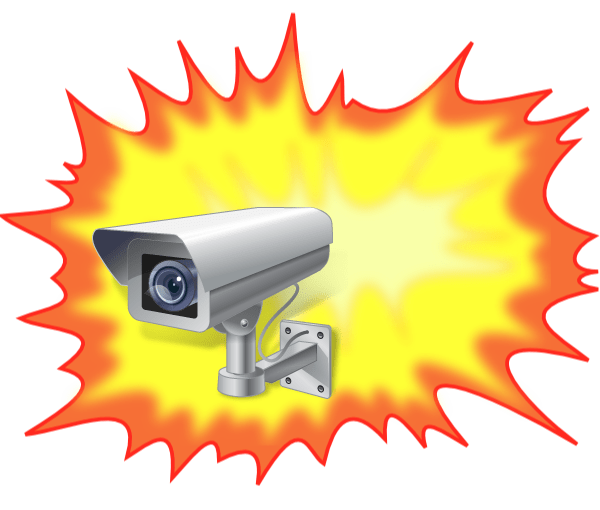
An explosion-proof camera includes a special enclosure. The camera and enclosure can be used in a hazardous potentially explosive environment. This means that the camera system will not cause an explosion, rather than survive an explosion outside the enclosure.

The camera and enclosure used in these environments are designed to prevent ignition of the surrounding gases or dust. They will either contain any explosion within the device or prevent sparks exiting the device and triggering an explosion.

Normally, we don’t worry about sparks.  For example, a household light switch may emit a small, harmless visible spark when switching. In an ordinary atmosphere, this arc is of no concern, but if a flammable vapor is present, the arc might cause an explosion. Explosive environments can be found in a number of places such as oil and gas tankers, chemical processing plants, hospital operating theaters, aircraft refueling, and hangers, coal mines or oil refineries, sewage treatment plants, grain handling, sugar refineries, and printing industry.  These environments can contain flammable gases such as acetone, propane, methane, hydrogen, or coal dust.  

Continue reading “What is an Explosion Proof Camera?”

Access Control Software

Cloud Versus On Site License for Access Control

cloud-access control

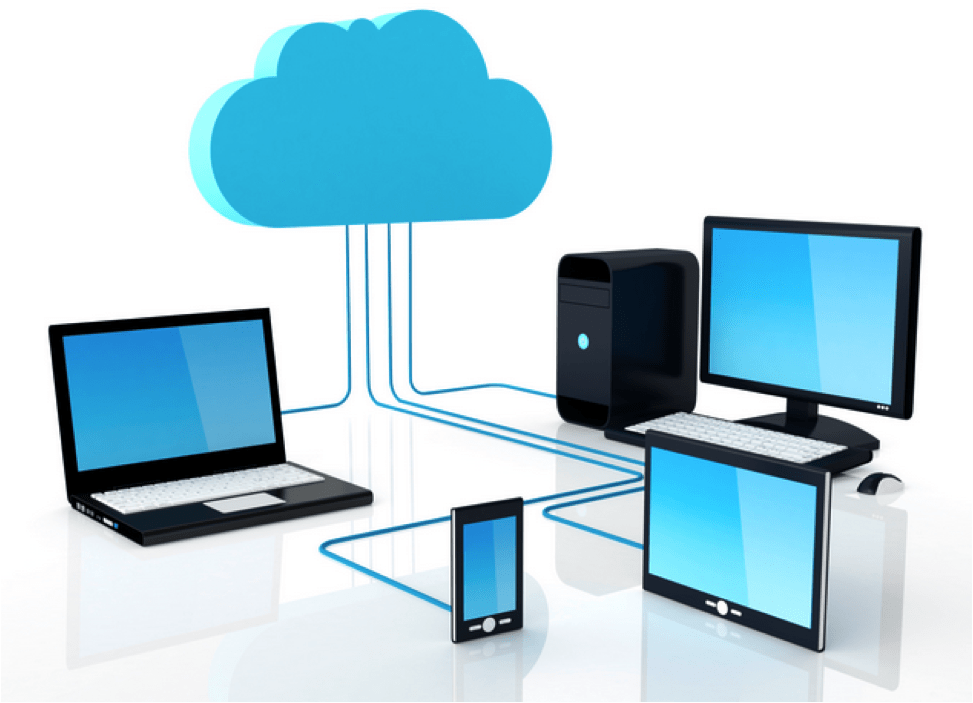
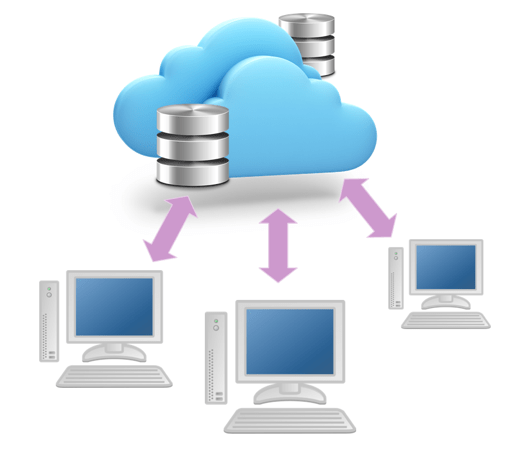
Many software applications are offering cloud-based, subscription software rather than on-site (or on-premise) license software.  For example, Microsoft 365 and Adobe provide cloud-based, subscription plans. Recently Door Access Control software has become available in the cloud.

What exactly does this mean and what is better for you? The article compares the two methods and provides pros and cons that can help you decide what is best.

What is the difference between cloud and on premise software? On site software is the classic model of providing a perpetual license that allows you to run the software on your own computer.  Cloud software runs on a remote server and is provided under a monthly or yearly subscription plan.   For example, there is on premises door access software called Pure Access Manager The cloud application is called Pure Access Cloud.

Continue reading “Access Control Software”

Cloud Archiving Systems

Optical Jukebox Library in the Cloud

cloud archiving illustration

We define archival information storage as a mechanism for writing data that can’t be modified or erased, storing information for a very long time (over 50 years), and providing easy retrieval. Information archiving has evolved over the last century; from paper to microfilm, and then to optical discs in jukebox libraries.

Optical discs were introduced in the early 1980s.  The Write Once Read Many (WORM) 12-inch discs, introduced by Sony and other companies, provided archiving media that allowed organizations to archive their paper information to optical storage.

CD-ROM discs were introduced by Philips and Sony in 1985. A couple of years later Sony introduced DVD-discs and Magneto-Optical discs.  Jukeboxes or Libraries were designed to handle over 500 discs, creating a complete archiving storage system.  Blu-ray discs were introduced by Sony in 2003, and became the archiving media standard.

Continue reading “Cloud Archiving Systems”

Comparison of IP Intercoms

Pros and Cons of Different types of IP Intercoms

Intercom Door man in field concept

There are two types of intercoms.  The first type connects many intercoms to a number of central computer stations, while the second type connects one intercom to many smartphones or VoIP phones.

In general, IP intercoms can be used to notify you that someone is at the door or provide communication between many locations (like schoolrooms) and a central office.  The intercoms are all wired to the local area network.

These complete systems enhance your total security, assuring a safe environment in this uncertain world.  Here is a comparison of the different systems available.

Continue reading “Comparison of IP Intercoms”

Surge Protectors for Network Attached Devices

network-lightning-protection

How to Protect Your IP Security Systems from Power Transients

Surge protectors protect network-attached devices from power transients. Lightning is only one of the many power disturbances that can damage these IP devices.

There are a number of surge protectors available that can be used to minimize the damage from these power transients.

Surge protectors protect network-attached devices from power transients.  Lightning is only one of the many power disturbances that can damage these IP devices.   There are a number of surge protectors available that can be used to minimize the damage from these power transients.

Anything that’s attached to your network, can be affected by power surges.  For example, your computer, door access system, IP camera, network switch, and router can be affected if there is a power spike.  Transients can occur not only on the power lines but also on the data connections.  Surge protectors, from Ditek, are used to suppress the effect of these power spikes.

Here’s a summary of the surges and spikes that can occur, and how you can protect your equipment.

Continue reading “Surge Protectors for Network Attached Devices”

How IP Intercoms Communicate with Smartphones

IP Intercoms for Mobile Applications

By Bob Mesnik

IP intercom illustration

Smart IP intercom devices are making it easier to control access to your home, business, school, or any other organization.  They use your smartphone to see the person at the door, talk to them, and allow entry (or not).

There are single-button intercoms and multi-tenant intercoms. Both versions have built-in IP cameras. The IP intercom systems can use local intercom servers as well as remote cloud servers to provide the communication path between the intercom and the smartphone. These systems utilize various protocols such as VoIP SIP protocol, audio over IP, IP video, or other protocols to establish the connection between all the devices.

Smart IP intercom devices are making it easier to control access to your home, business, school, or any other organization.  They use your smartphone to see the person at the door, talk to them, and allow entry (or not).

There are single-button intercoms and multi-tenant intercoms. Both versions have built-in IP cameras. The IP intercom systems can use local intercom servers as well as remote cloud servers to provide the communication path between the intercom and the smartphone. These systems utilize various protocols such as VoIP SIP protocol, audio over IP, IP video, or other protocols to establish the connection between all the devices.

Here’s how the latest IP intercoms work.

Continue reading “How IP Intercoms Communicate with Smartphones”

IP Security Year in Review – 2016

New Security Systems for 2016

By Bob Mesnik

Technology of 2016

2016 will probably be known as the year of the 4K IP cameras.  A number of manufacturers introduced these very high-resolution cameras.

Besides the increased camera resolution, new compression schemes were introduced that reduced bandwidth and storage requirements.  The latest network-attached door readers are now controlled through the cloud.

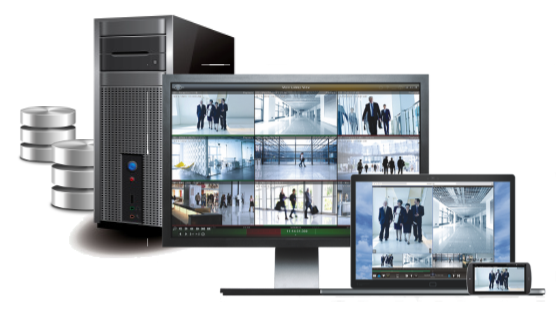
The readers also include Bluetooth connections that allow your smartphone to be used as the credential.  Video management software was integrated with other devices like door access control and digital cash registers, increasing total security.   Here’s a review of the technology introduced in 2016.

Continue reading “IP Security Year in Review – 2016”

How Fingerprint Readers Work

Fingerprint Reader

What is the Most Reliable Fingerprint Reader?

By Bob Mesnik

Fingerprint readers scan the features of a person’s finger and create a digital code that can be used as a unique digital template.  That’s the concept, but how do fingerprint readers actually work?

There are a number of different technologies used to scan the features of a fingerprint. The engineering challenge is to reliably read the ridges and valleys on the fingerprint so that it can be converted to a digital image.

This article reviews the most popular technologies that use Optical, Ultrasonic and Capacitive sensors.

Fingerprint readers scan the features of a person’s finger and create a digital code that can be used as a unique digital template.  That’s the concept, but how do fingerprint readers actually work?

There are a number of different technologies used to scan the features of a fingerprint. The engineering challenge is to reliably read the ridges and valleys on the fingerprint so that it can be converted to a digital image.   

This article reviews the most popular technologies that use Optical, Ultrasonic and Capacitive sensors.  

Continue reading “How Fingerprint Readers Work”

Reliable IP Paging Systems

PA over IP Illustration

What is the Most Reliable Paging System?

By Bob Mesnik

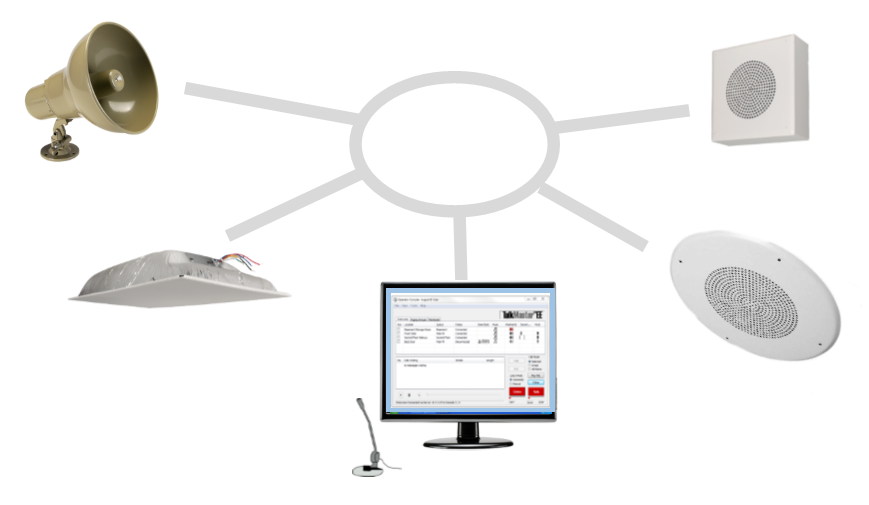
How important is your paging system?  Is it critical that it continues to work reliably?  Well, if your answer is yes, then paging over IP is a good choice for you.

What does IP Paging do that the older analog paging systems can’t do? It provides increased reliability and redundancy.

What happens if your analog amplifier stops working? Well, your paging system is down and out.  There’s no easy recovery except to replace the amplifier.  With a network attached IP paging system, all the amplifiers are decentralized, and the paging console station can be redundant, providing a much more reliable system. Here’s why IP paging systems are more reliable.

Continue reading “Reliable IP Paging Systems”

Why Can’t I Recognize a Person With My IP Camera?

What Type of Camera Do I Need?

By Bob Mesnik

IP Camera Resolution Required

There was a break-in at your warehouse, but, you were prepared. Last month you installed a complete IP camera system.  Now you have evidence you can share with the police.

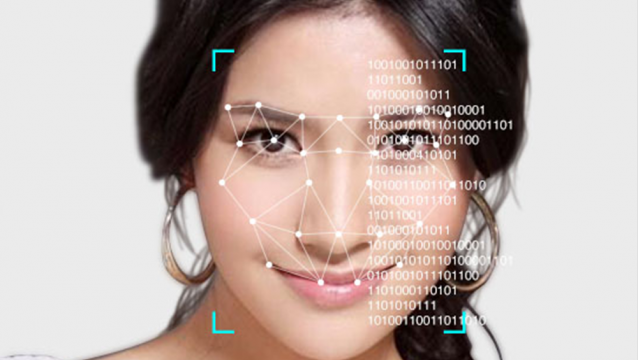
Uh oh! You can’t identify their faces. There are two people in the warehouse, but you can’t tell who they are. Ugh!  What did you do wrong?  You have just discovered that having a surveillance camera, is not enough.  You have to have the right resolution camera and the right lens.

This article reviews what you need to assure you meet your security objective.

Continue reading “Why Can’t I Recognize a Person With My IP Camera?”