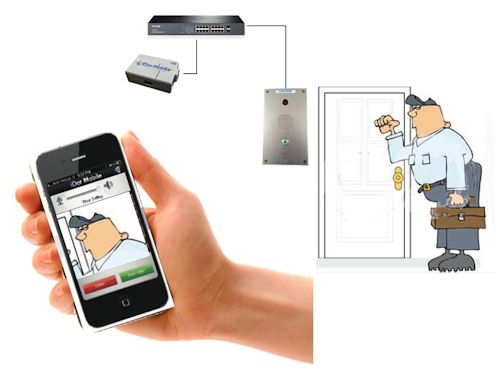
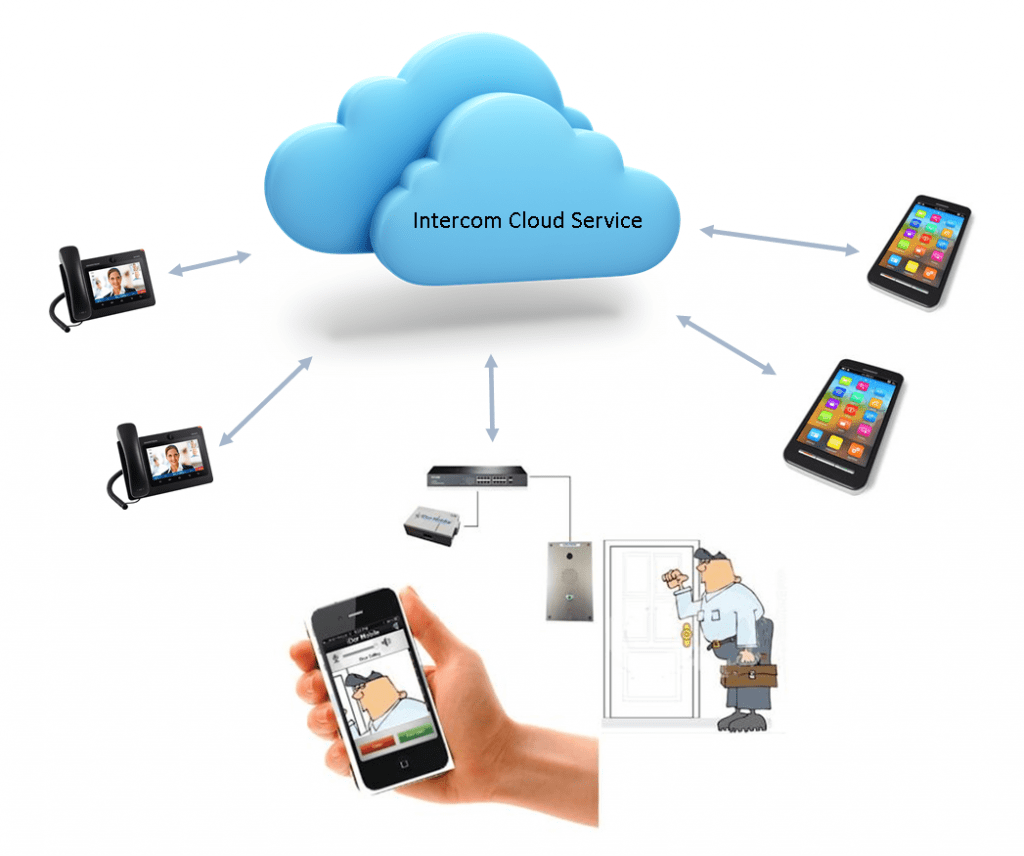
Smart IP intercom devices are making it easier to control access to your home, business, school, or any other organization. They use your smartphone to see the person at the door, talk to them, and allow entry (or not).
There are single-button intercoms and multi-tenant intercoms. Both versions have built-in IP cameras. The IP intercom systems can use local intercom servers as well as remote cloud servers to provide the communication path between the intercom and the smartphone. These systems utilize various protocols such as VoIP SIP protocol, audio over IP, IP video, or other protocols to establish the connection between all the devices.
Smart IP intercom devices are making it easier to control access to your home, business, school, or any other organization. They use your smartphone to see the person at the door, talk to them, and allow entry (or not).
There are single-button intercoms and multi-tenant intercoms. Both versions have built-in IP cameras. The IP intercom systems can use local intercom servers as well as remote cloud servers to provide the communication path between the intercom and the smartphone. These systems utilize various protocols such as VoIP SIP protocol, audio over IP, IP video, or other protocols to establish the connection between all the devices.
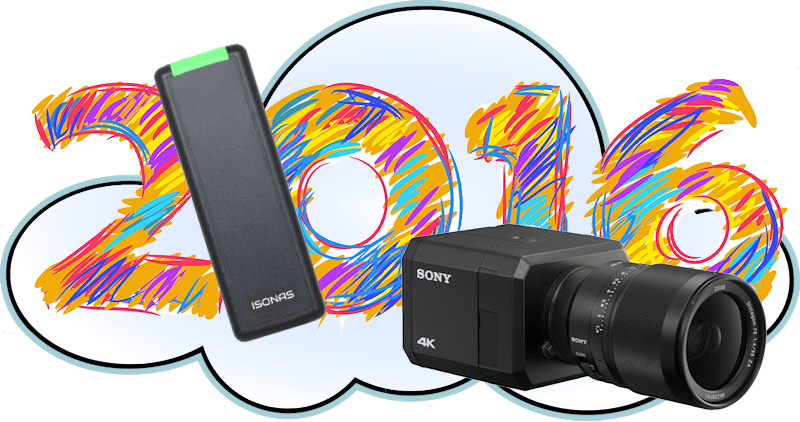
2016 will probably be known as the year of the 4K IP cameras. A number of manufacturers introduced these very high-resolution cameras.
Besides the increased camera resolution, new compression schemes were introduced that reduced bandwidth and storage requirements. The latest network-attached door readers are now controlled through the cloud.
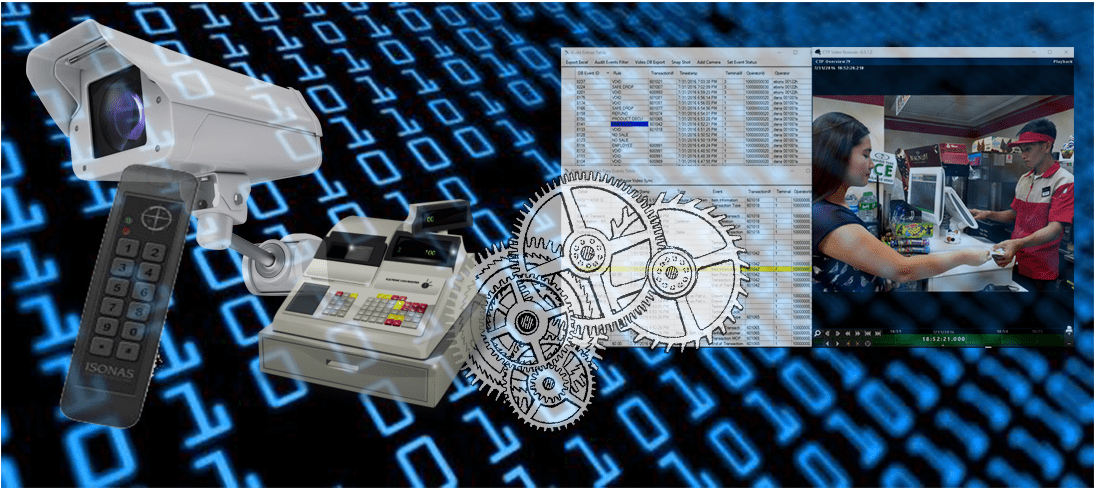
The readers also include Bluetooth connections that allow your smartphone to be used as the credential. Video management software was integrated with other devices like door access control and digital cash registers, increasing total security. Here’s a review of the technology introduced in 2016.
Fingerprint readers scan the features of a person’s finger and create a digital code that can be used as a unique digital template. That’s the concept, but how do fingerprint readers actually work?
There are a number of different technologies used to scan the features of a fingerprint. The engineering challenge is to reliably read the ridges and valleys on the fingerprint so that it can be converted to a digital image.
This article reviews the most popular technologies that use Optical, Ultrasonic and Capacitive sensors.
Fingerprint readers scan the features of a person’s finger and create a digital code that can be used as a unique digital template. That’s the concept, but how do fingerprint readers actually work?
There are a number of different technologies used to scan the features of a fingerprint. The engineering challenge is to reliably read the ridges and valleys on the fingerprint so that it can be converted to a digital image.
This article reviews the most popular technologies that use Optical, Ultrasonic and Capacitive sensors.
How important is your paging system? Is it critical that it continues to work reliably? Well, if your answer is yes, then paging over IP is a good choice for you.
What does IP Paging do that the older analog paging systems can’t do? It provides increased reliability and redundancy.
What happens if your analog amplifier stops working? Well, your paging system is down and out. There’s no easy recovery except to replace the amplifier. With a network attached IP paging system, all the amplifiers are decentralized, and the paging console station can be redundant, providing a much more reliable system. Here’s why IP paging systems are more reliable.
There was a break-in at your warehouse, but, you were prepared. Last month you installed a complete IP camera system. Now you have evidence you can share with the police.
Uh oh! You can’t identify their faces. There are two people in the warehouse, but you can’t tell who they are. Ugh! What did you do wrong? You have just discovered that having a surveillance camera, is not enough. You have to have the right resolution camera and the right lens.
This article reviews what you need to assure you meet your security objective.
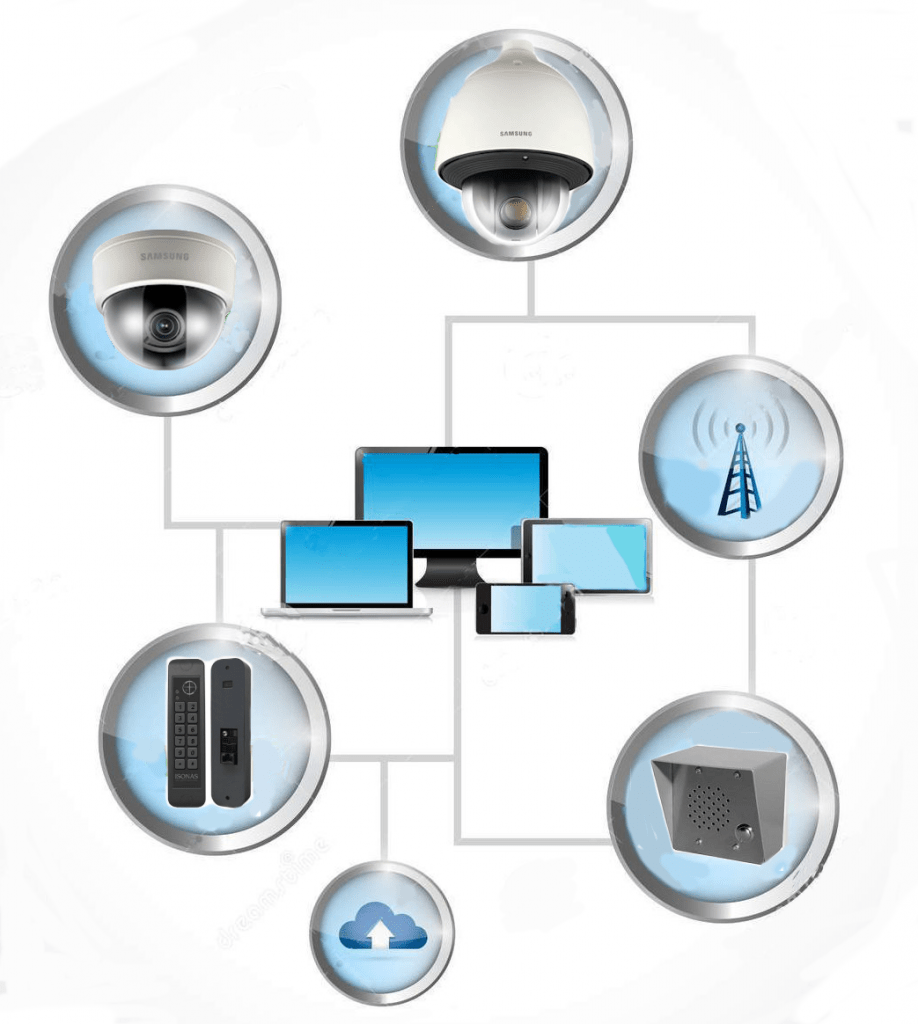
Door access control systems have become much more sophisticated, and easier to integrate with other security systems. These new IP door readers integrate with IP video systems, and IP intercoms, providing a much more secure environment.
The door access systems changed over 10 years ago with the introduction of IP door readers from Isonas. These new readers dramatically lowered installation costs and made it much easier to self-install these systems. This was a dramatic improvement over the older systems that used complex wiring harnesses to a central control panel.
There are new IP door readers that use cloud-based access control software. Now you can manage your door access from your mobile device. The latest door readers not only read the RFID card credentials, but they also recognize your fingerprint or face. They include multiple types of biometric keys that make them more reliable and secure. All these door access control systems can easily be integrated with IP camera systems and IP intercoms.
Here is a summary of the latest developments in door access control and how it integrates with other systems.
Resolution, Low Light, and Wide Dynamic Range Test and Shoot-out of 4K IP Cameras
By Francisco Gutierrez-Guerra
We tested and compared 4K IP cameras from Axis, Hikvision, Samsung, and Sony.
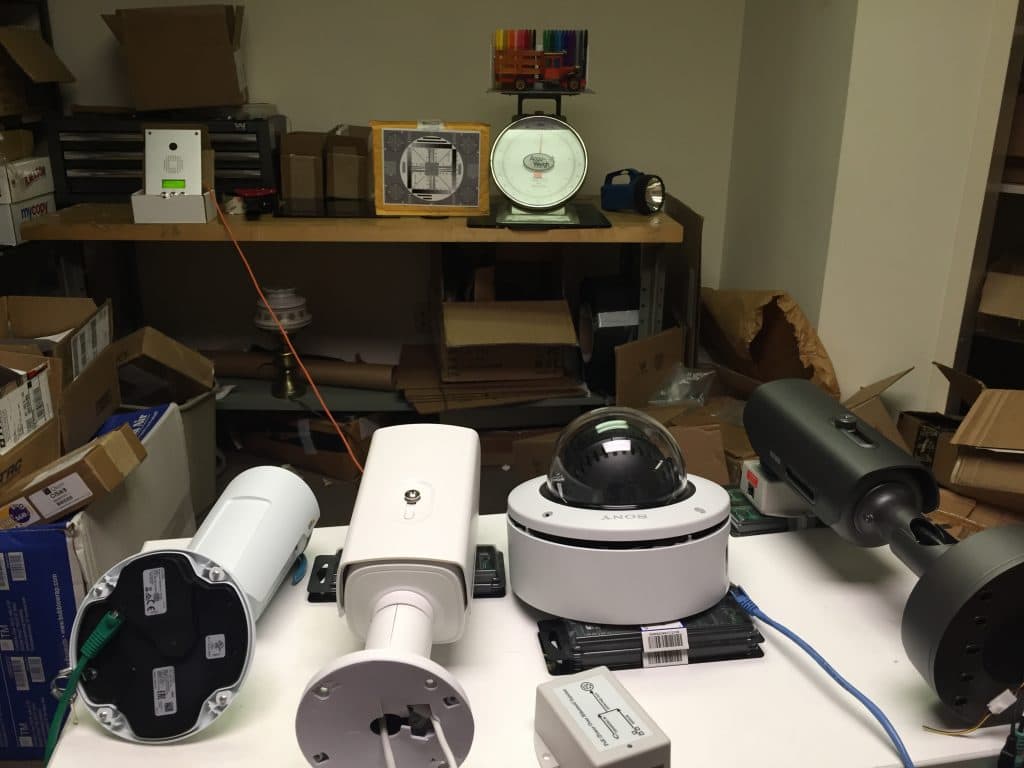
We tested the Axis P1428-E, the Hikvision DS-2CD4A85F-IZH, the Samsung PNO-9080R, and the Sony SNC-VM772R. We tested the resolution, low light capability, signal-to-noise, and wide dynamic range.
We also looked at the latest Sony SNC-VB770, which if you can afford it, is the best 4K IP camera we have seen. Here are the results of our testing.
Review of the methods for integrating IP Camera systems with IP door access or digital point of sale systems
By Bob Mesnik
C2P Convergence Concept
What’s next for Video Recording Systems? IP Camera manufacturers and third party companies such as OnSSI, Milestone, Axis, Exacq, and others have been providing software and NVR recording systems for many years. All these systems provide basic video recording functionality. How can the functionality and value of these recording systems be increased?
We reviewed a number of different systems and found that the next generation of video management systems (VMS) is already here.
Biometrics is a much safer way to control door access than carrying a card or remembering a pin number. It’s more secure because you are identifying a person rather than something the person is carrying. The door credential can be stolen, but your face can’t.
Biometric Door Access Concept
What can biometric readers do? How do you select the right fingerprint reader, facial recognition system, or multimodal biometric system? By the way, the latest Biometric IP reader-controllers combine a number of physiological characteristics and are more flexible and reliable than the older units. There are a lot of different choices, but what is best, what provides the best reliability and repeatability? This article examines the technology and provides guidelines for selecting the right biometric system.
Selecting the best video Intercom for your application.
By Bob Mesnik
The audio and video quality are important features when selecting IP video intercoms. You can select Video Intercoms that connect through IP cameras to Windows workstations, or others that communicate through cloud servers to smartphones.
The right type of intercom depends on your application. Intercoms, that connect to Video Management Software (VMS), integrate with your IP camera surveillance system. The other type of video intercoms connect through the cloud to a smartphone rather than a Windows computer.
Both systems integrate with IP door access control systems and allow you to grant access to visitors and anyone that doesn’t have a credential.
In a previous article, “How to Select the Best IP Intercom” we described the features and functions that should be considered when selecting audio IP intercoms. This article focuses on the intercoms that include video.